UI/UX Design
Smart Home
Mobile App

ElectriShut

Keeping homes safer.

About the Project

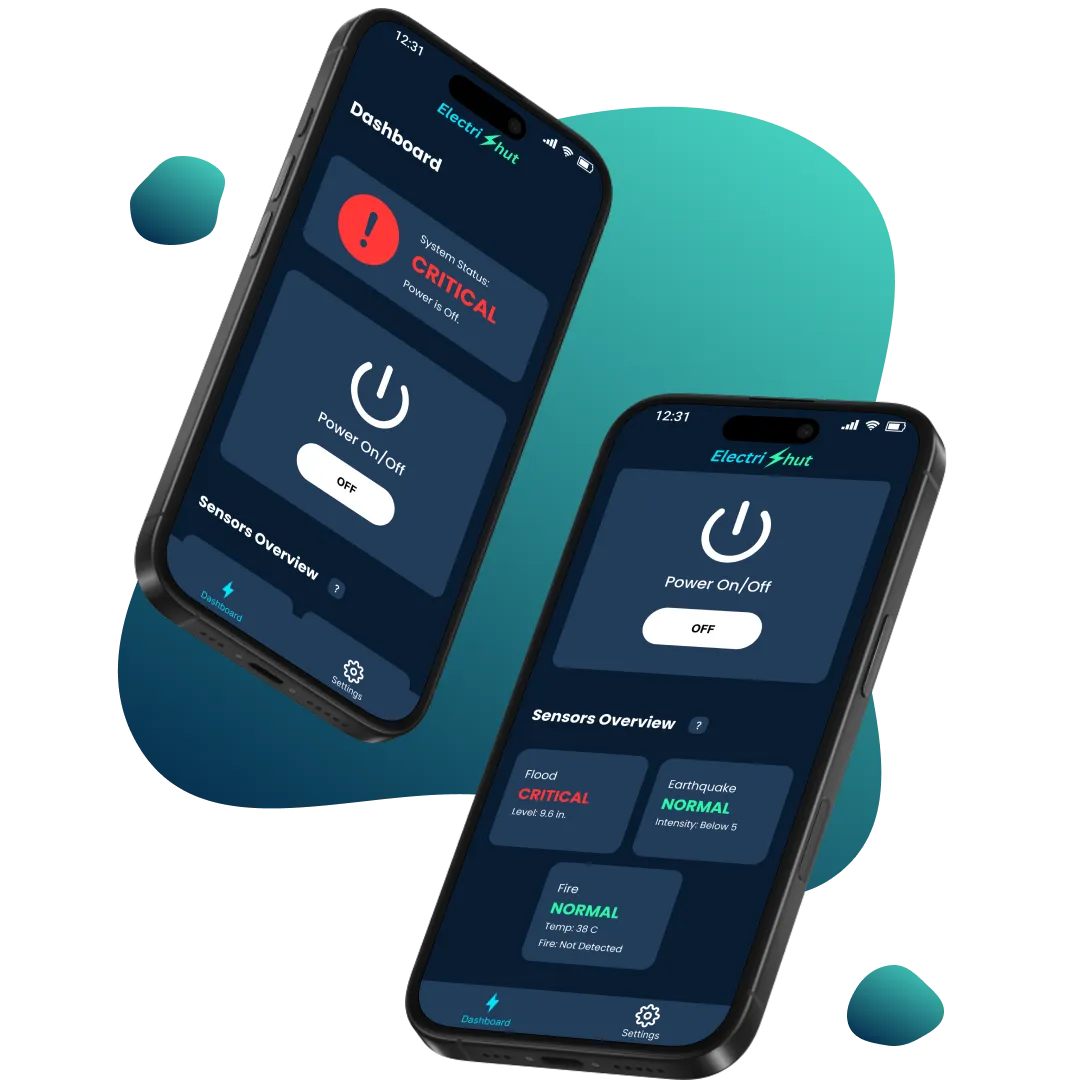
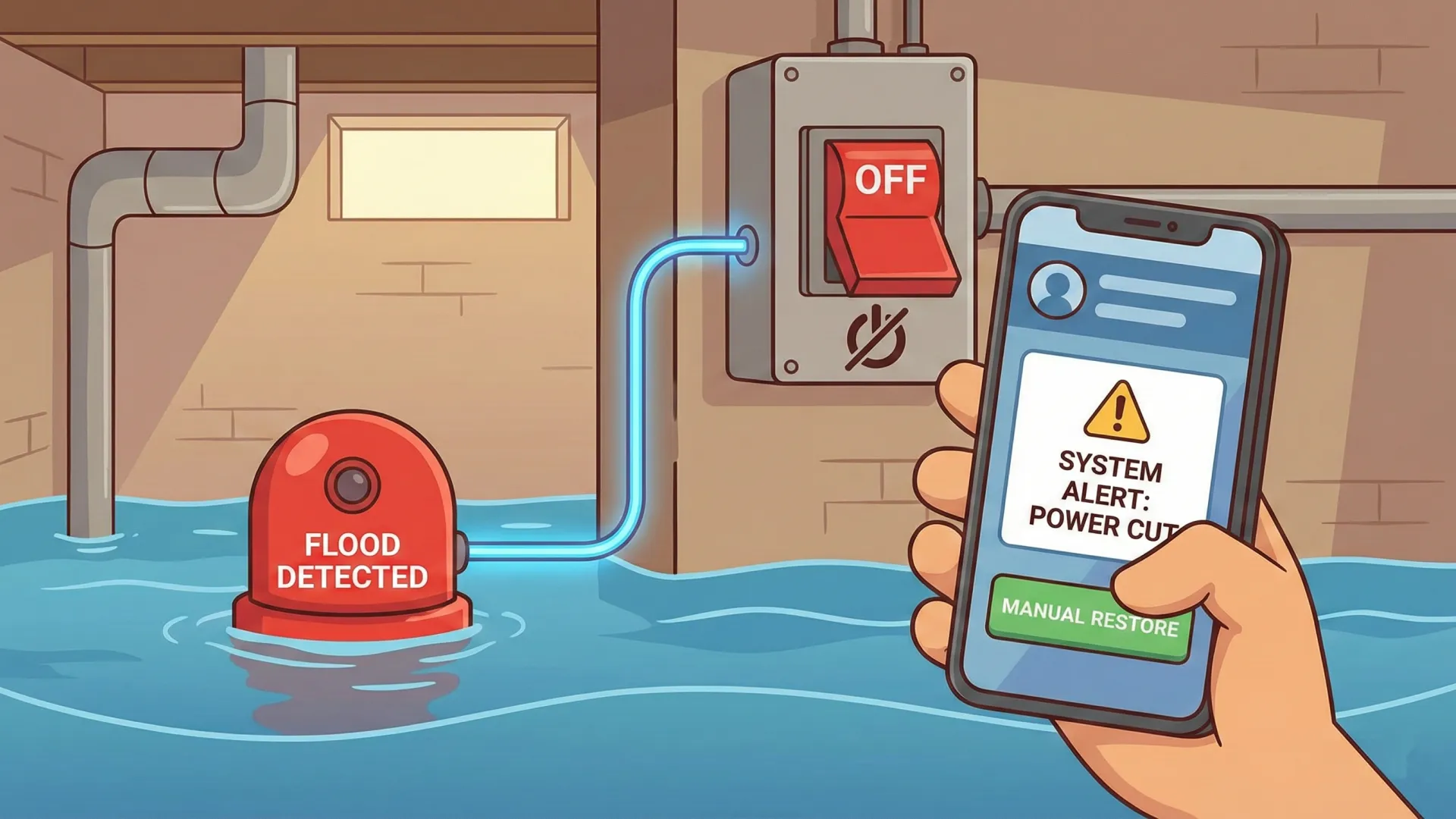
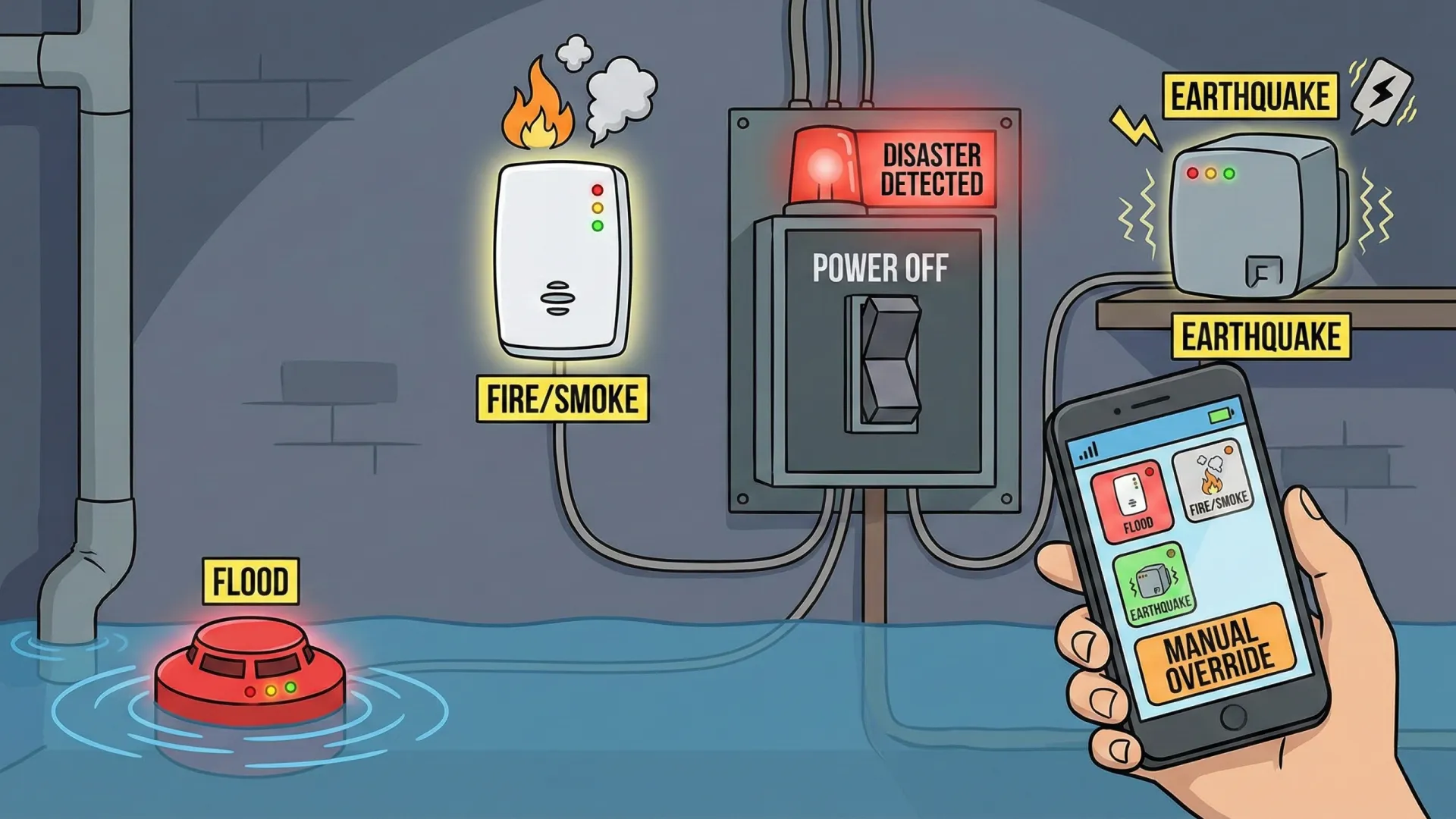
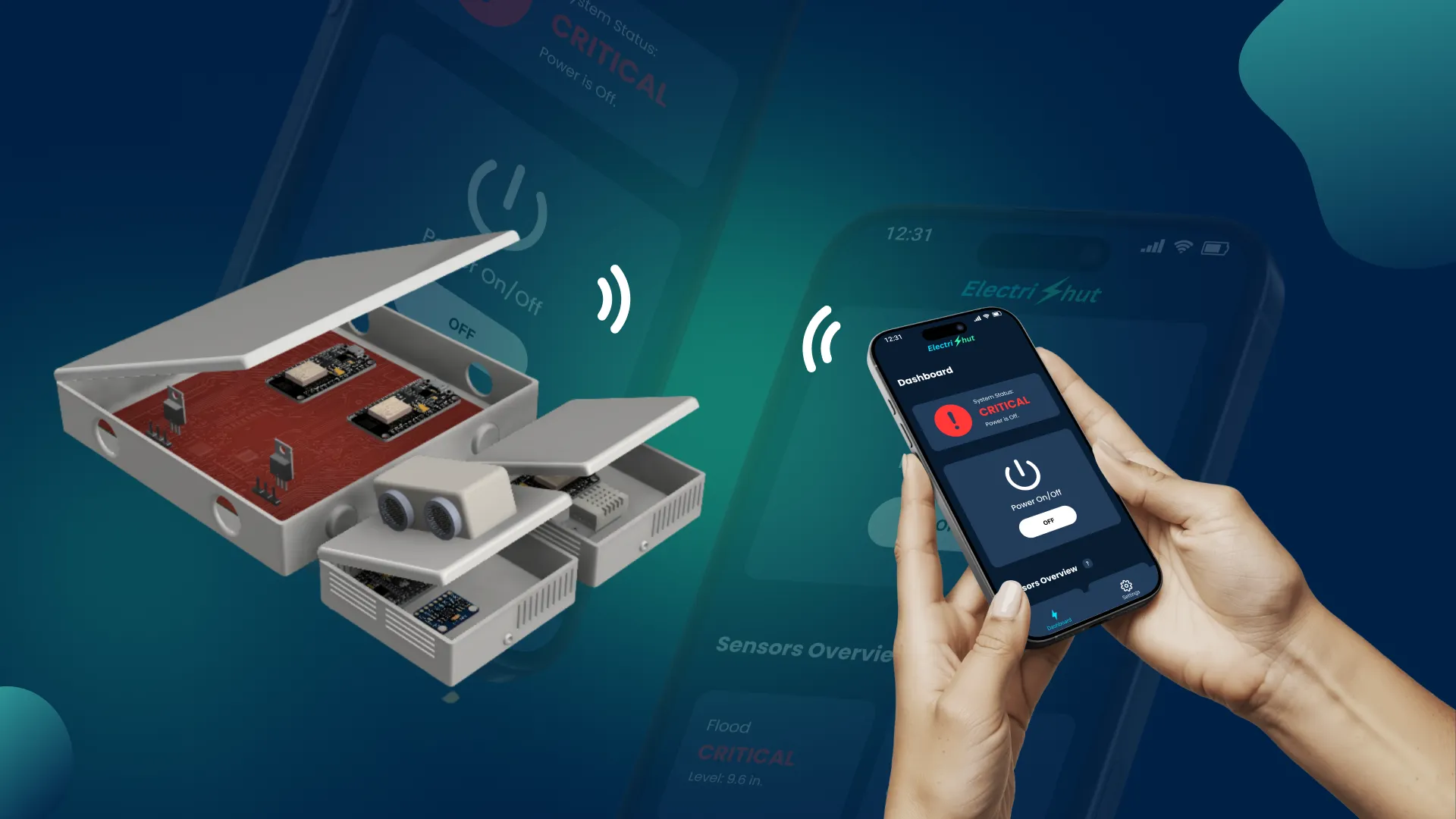
ElectriShut is a mobile companion for a hardware device that detects floods, earthquakes, and fires. It allows users to monitor real-time sensor data and remotely cut or restore power to household outlets, preventing electrical hazards during natural disasters.
My Role
Team Leader and Lead UI/UX Designer
Industry
Smart Home
Project Date
2023

Discovery

Uncovering the real problem

The Challenge

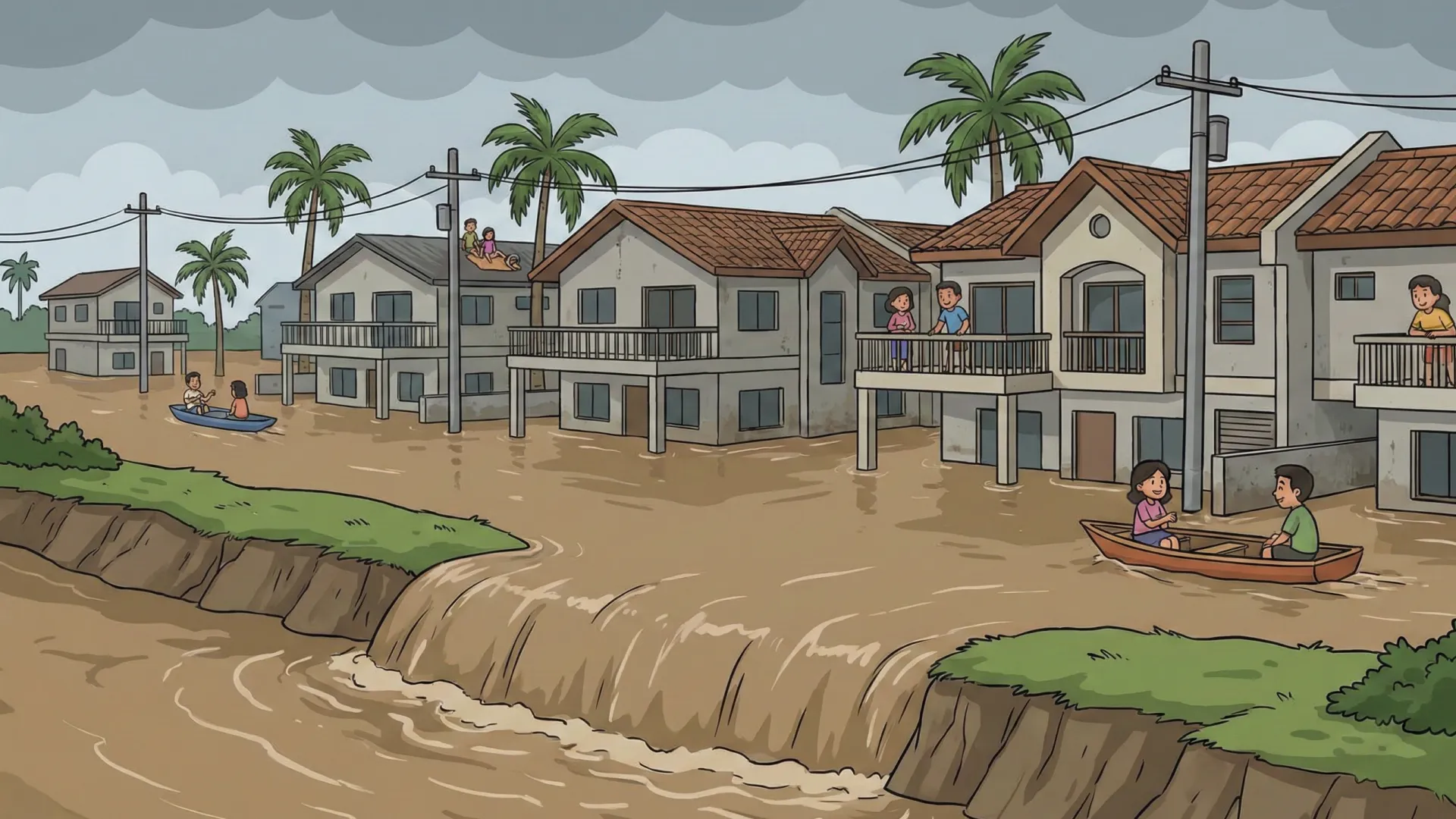
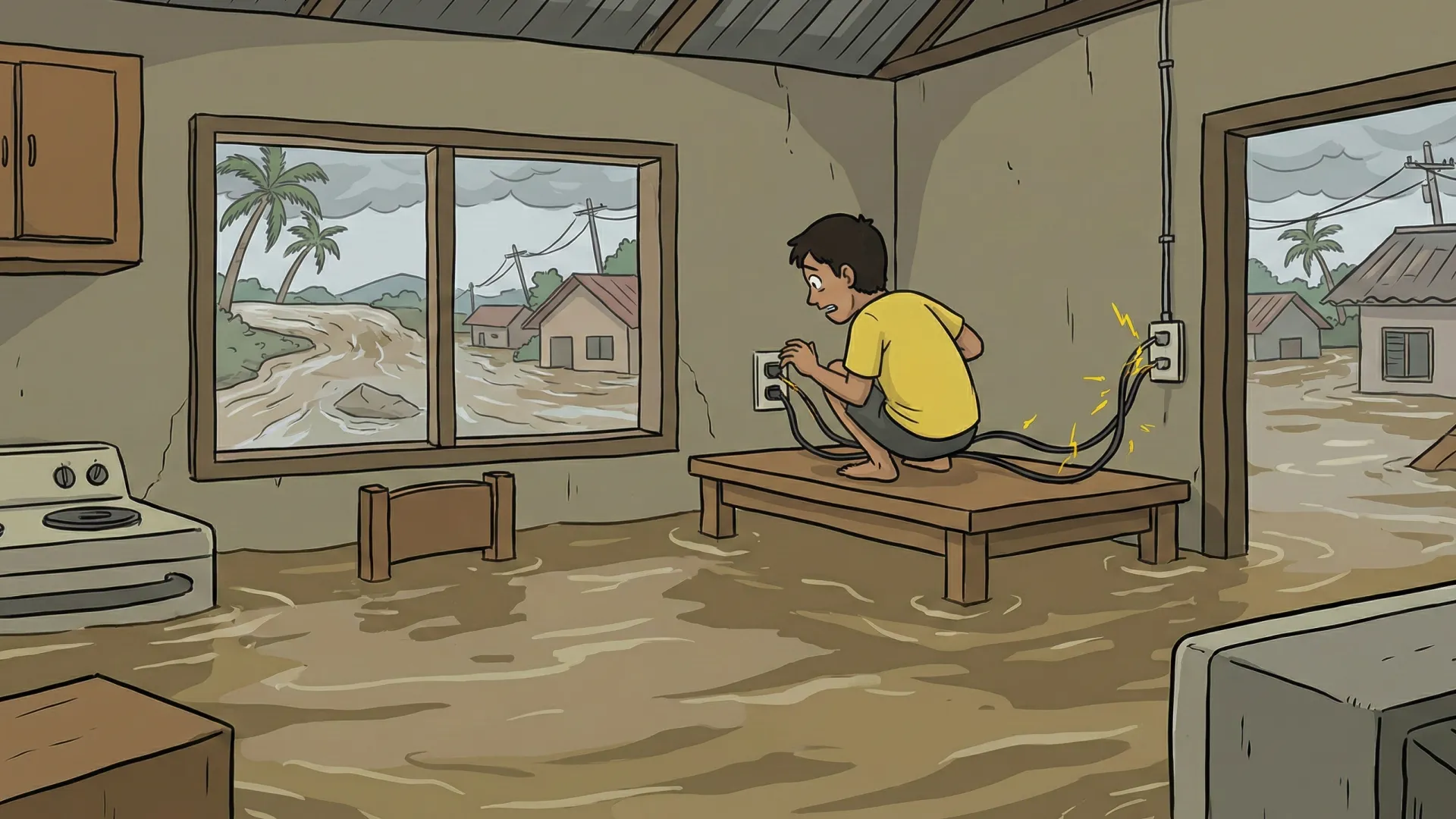
In Marikina City, Philippines, delayed power shutoffs during floods pose severe electrocution risks. While hardware can detect these events, users previously lacked a way to monitor sensor values or manually override power switches during a crisis.

The Goal

Our team aimed to develop a system that automatically cuts power upon detecting disasters. Recognizing that hardware alone leaves users unable to monitor readings or manually override controls, we set out to build a user-friendly mobile app. This app empowers users to monitor sensor statuses and manually restore or interrupt power to specific branch circuits with ease.

Process

Connecting the dots and sketching the vision.

Information Architecture

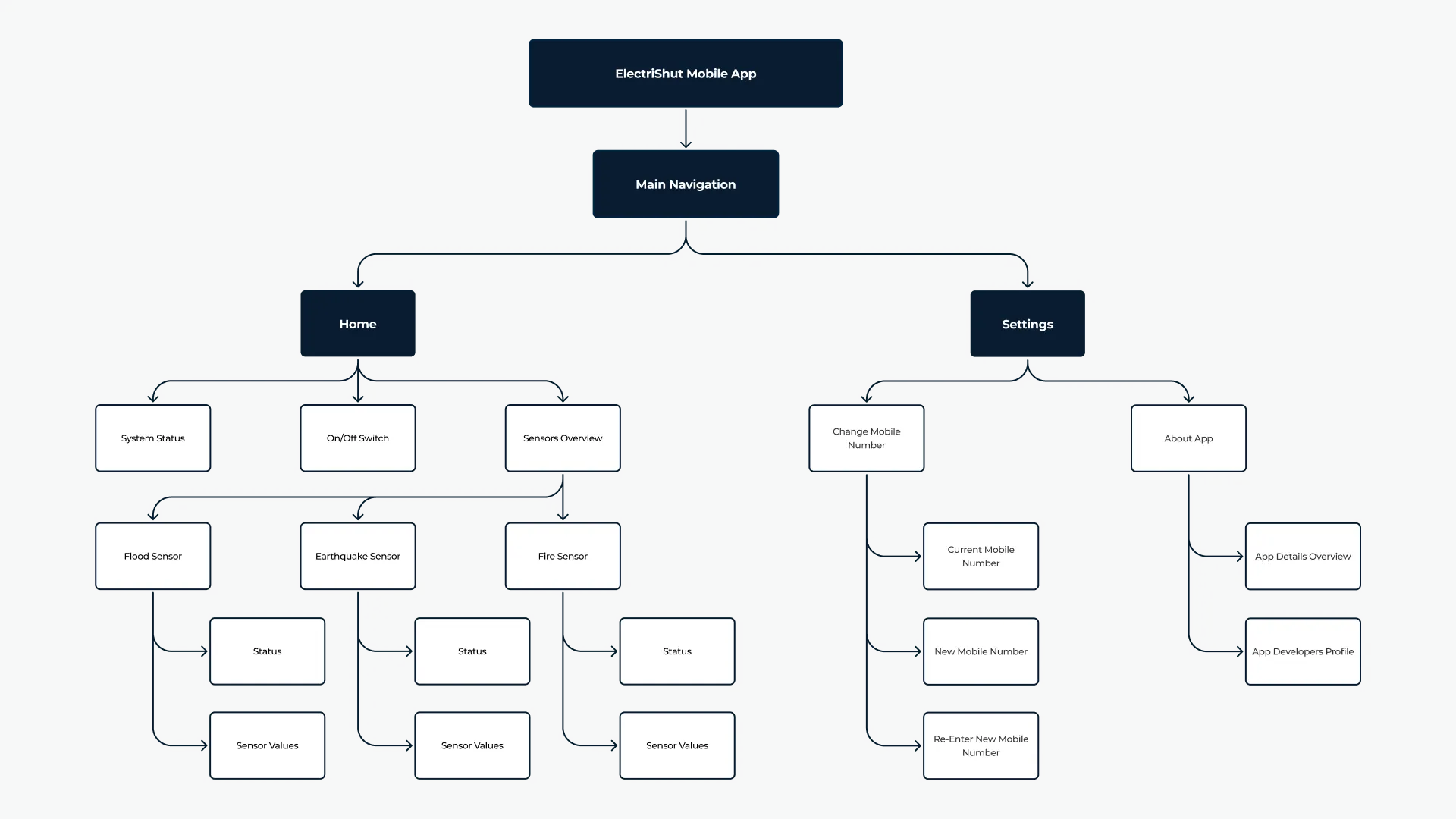
I utilized a flat hierarchy to keep the user experience streamlined, establishing Home and Settings as the primary pillars to minimize the number of taps required for essential actions. To maintain an uncluttered interface, I organized secondary utility features as child pages within the Settings menu, ensuring that administrative tasks remain exactly where a user would intuitively expect them.

Wireframe

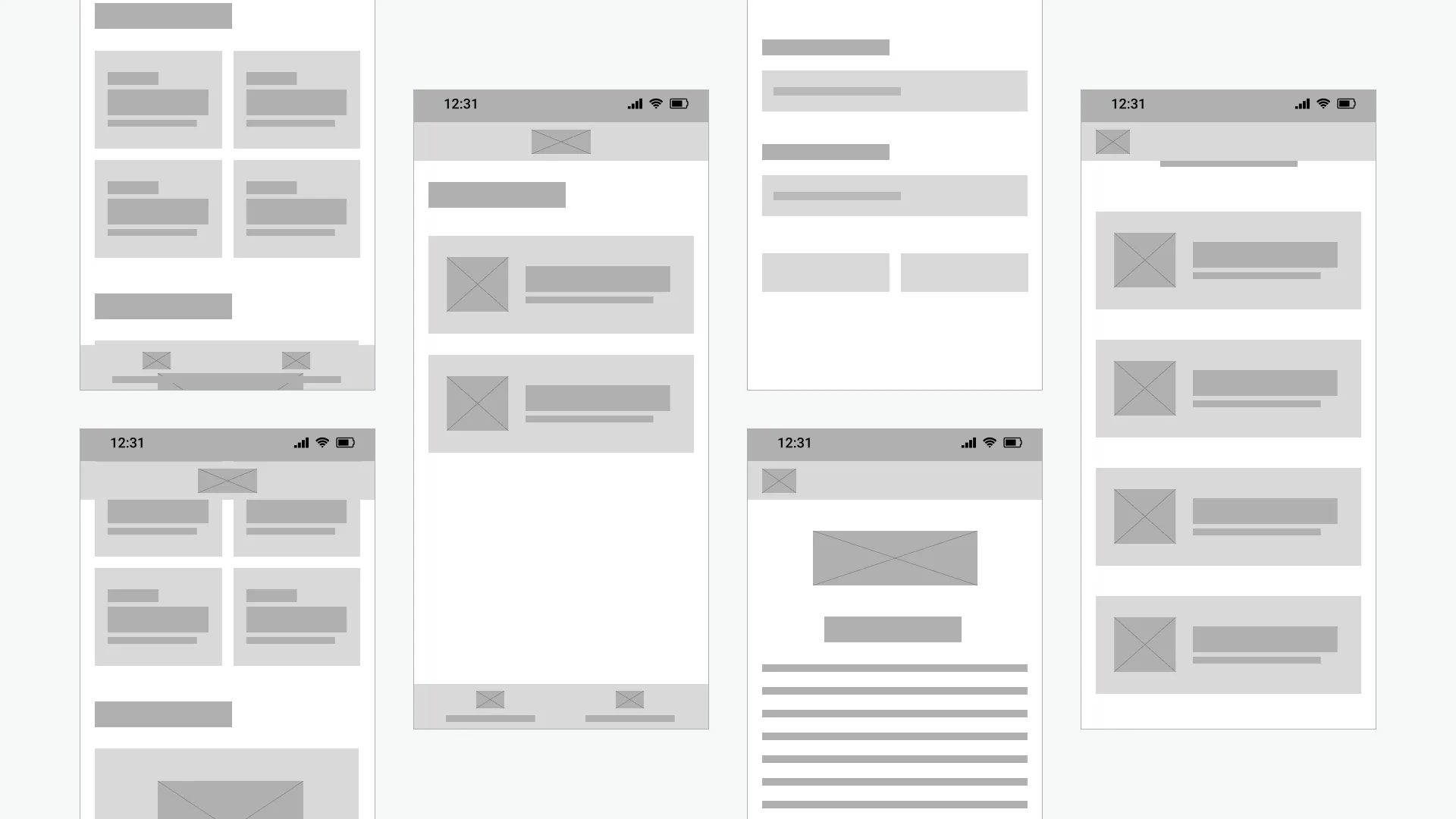
These low-fidelity blueprints focused on translating structural maps into an ergonomic, user-friendly layout that prioritizes the "thumb-zone" for mobile users. I implemented a persistent bottom navigation bar for constant access to main hubs and used a list-style layout for settings to provide clear, tappable targets. This allowed for rapid iteration on spatial balance and content hierarchy before moving into high-fidelity UI.

Iteration

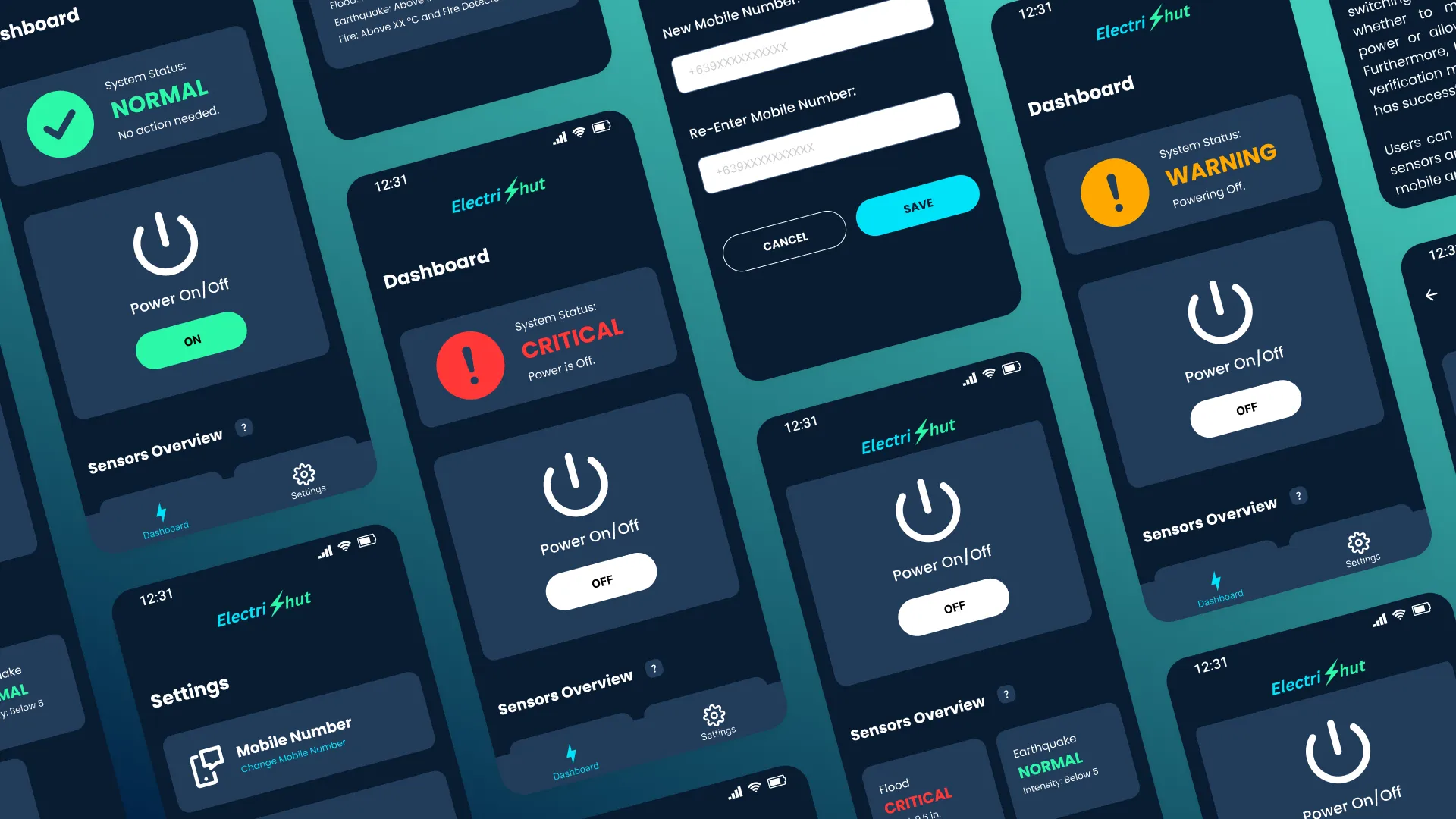
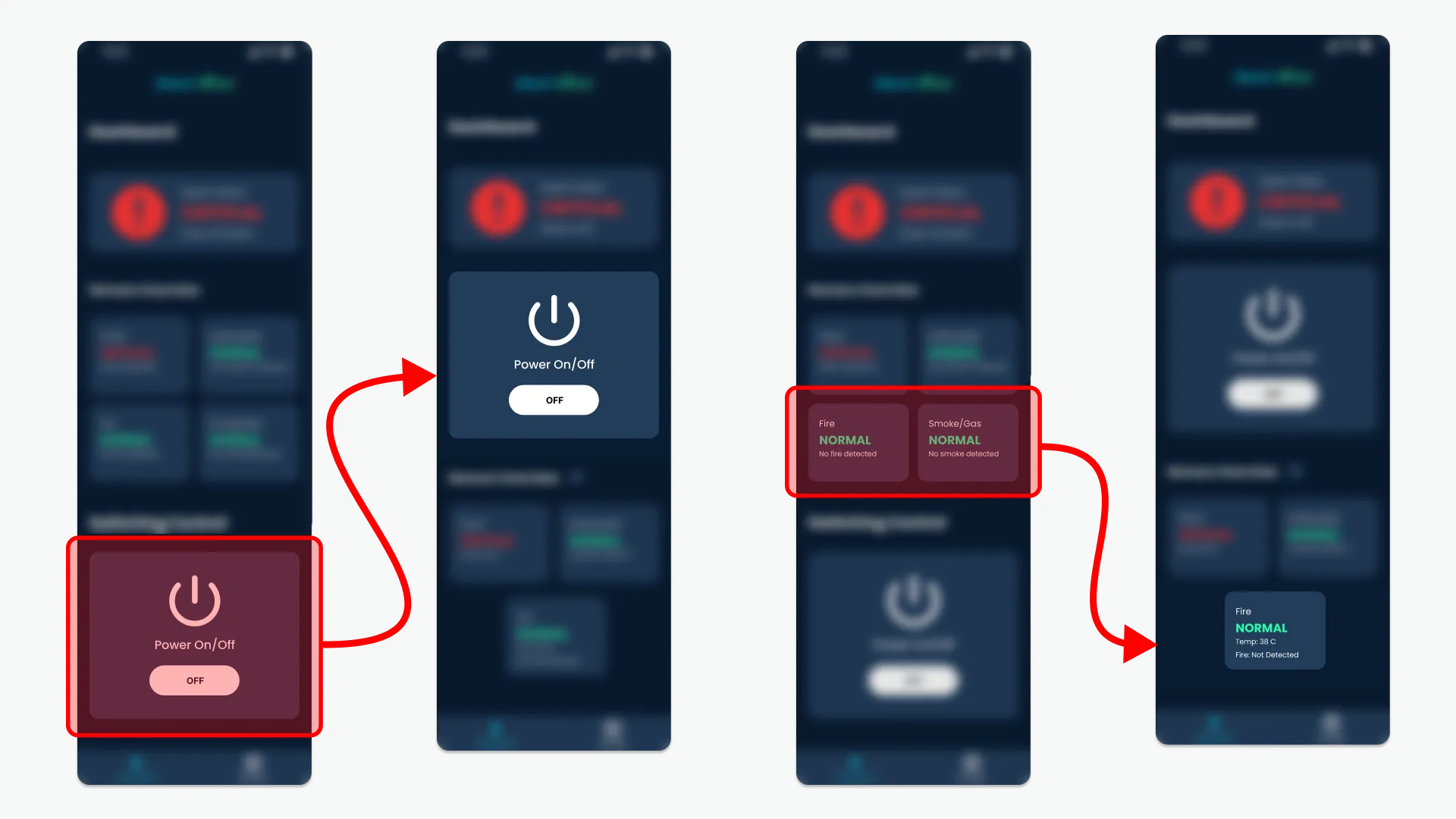
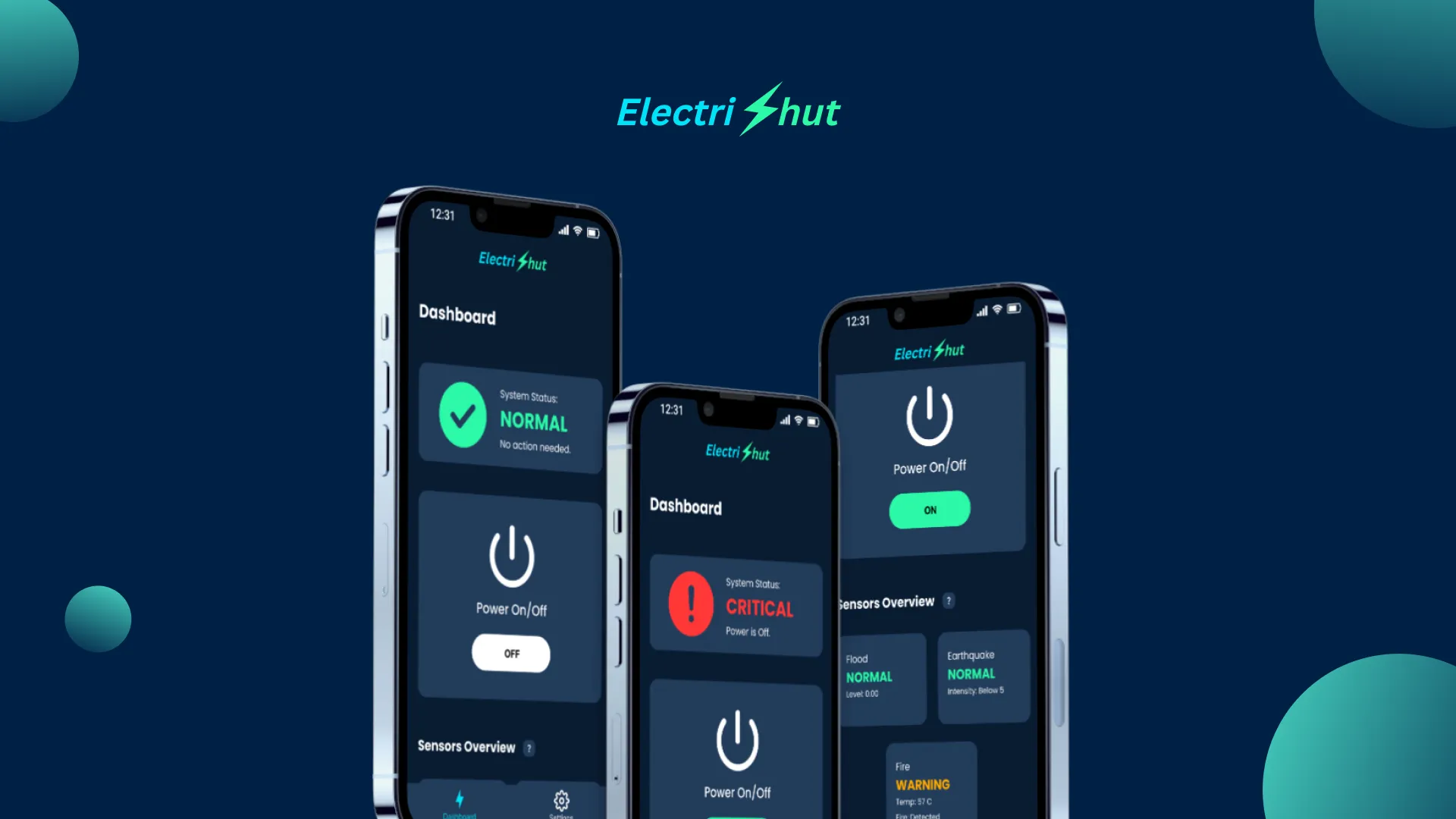
The iteration phase for ElectriShut focused on optimizing the dashboard's visual hierarchy and information density based on stakeholder feedback. We moved the Power Switch to the top-middle of the screen to ensure that the "kill switch" is the most accessible element during an emergency, reducing the user's reaction time. Simultaneously, we merged the Fire and Smoke/Gas indicators into a single status card; since both sensors report on the same primary hazard, consolidating them reduces cognitive load and frees up critical screen real estate. These refinements transformed the app from a simple monitoring tool into a highly efficient safety companion that prioritizes rapid, "at-a-glance" decision-making.

Solution

Seeing the vision come to life

Final App Design

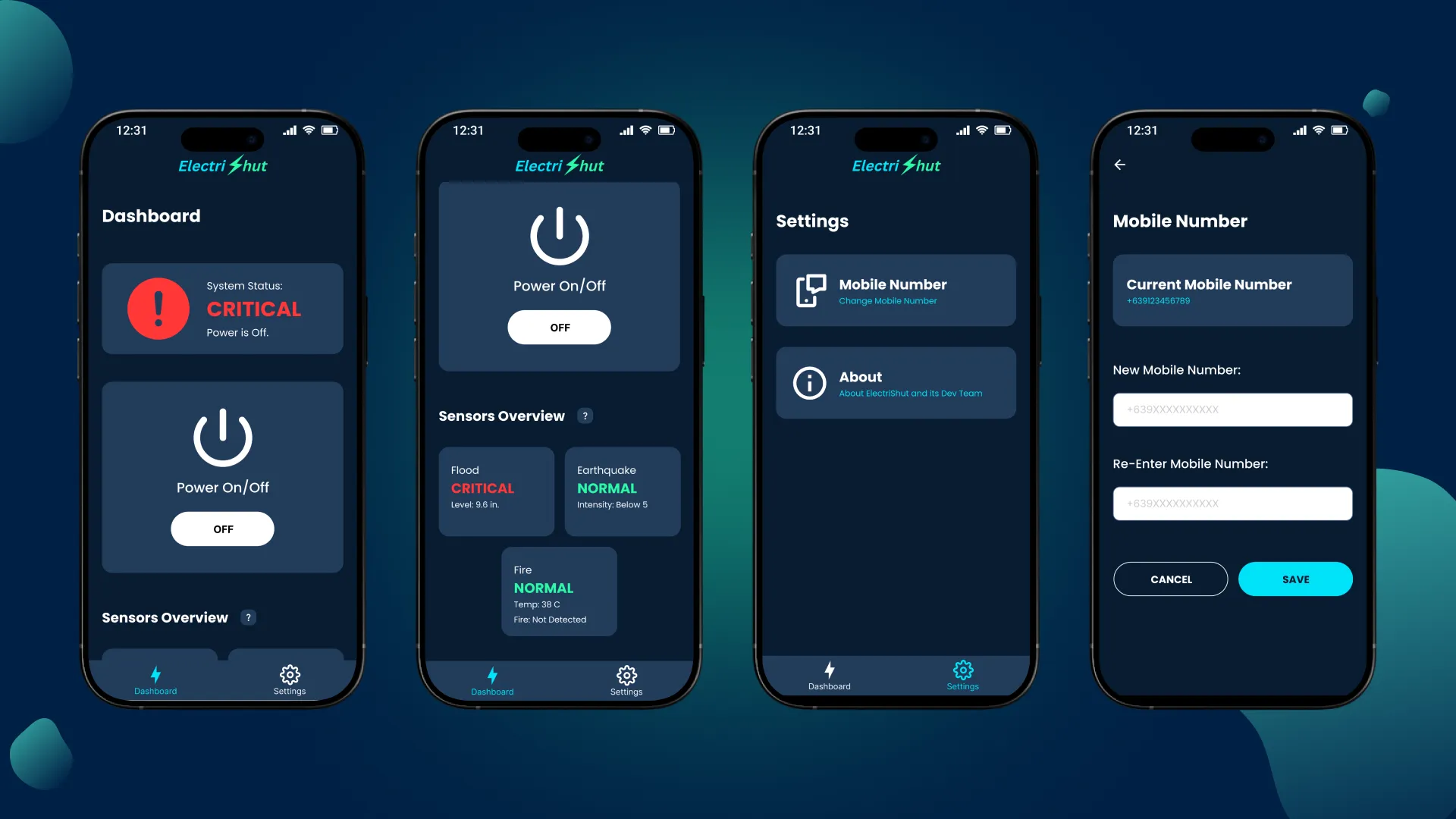
The high-fidelity design features a modern dark theme to reduce eye strain and emphasize critical alerts. The dashboard centers on a prominent Power On/Off toggle that works via data or SMS-integrated logic for reliability in low-connectivity areas. Safety is visualized through a color-coded "Sensors Overview" system: Green (Normal), Orange (Warning), and Red (Critical).

Results

Looking back at the wins and the "aha!" moments.

Impact

ElectriShut makes it easy for anyone to manage their home’s power during emergencies like earthquake, floods or fires. It primarily works over Wi-Fi, but we also built an SMS backup in case the internet goes out. We took complicated technical data and turned it into simple, clear alerts so users can act fast and keep their families safe.

Reflection

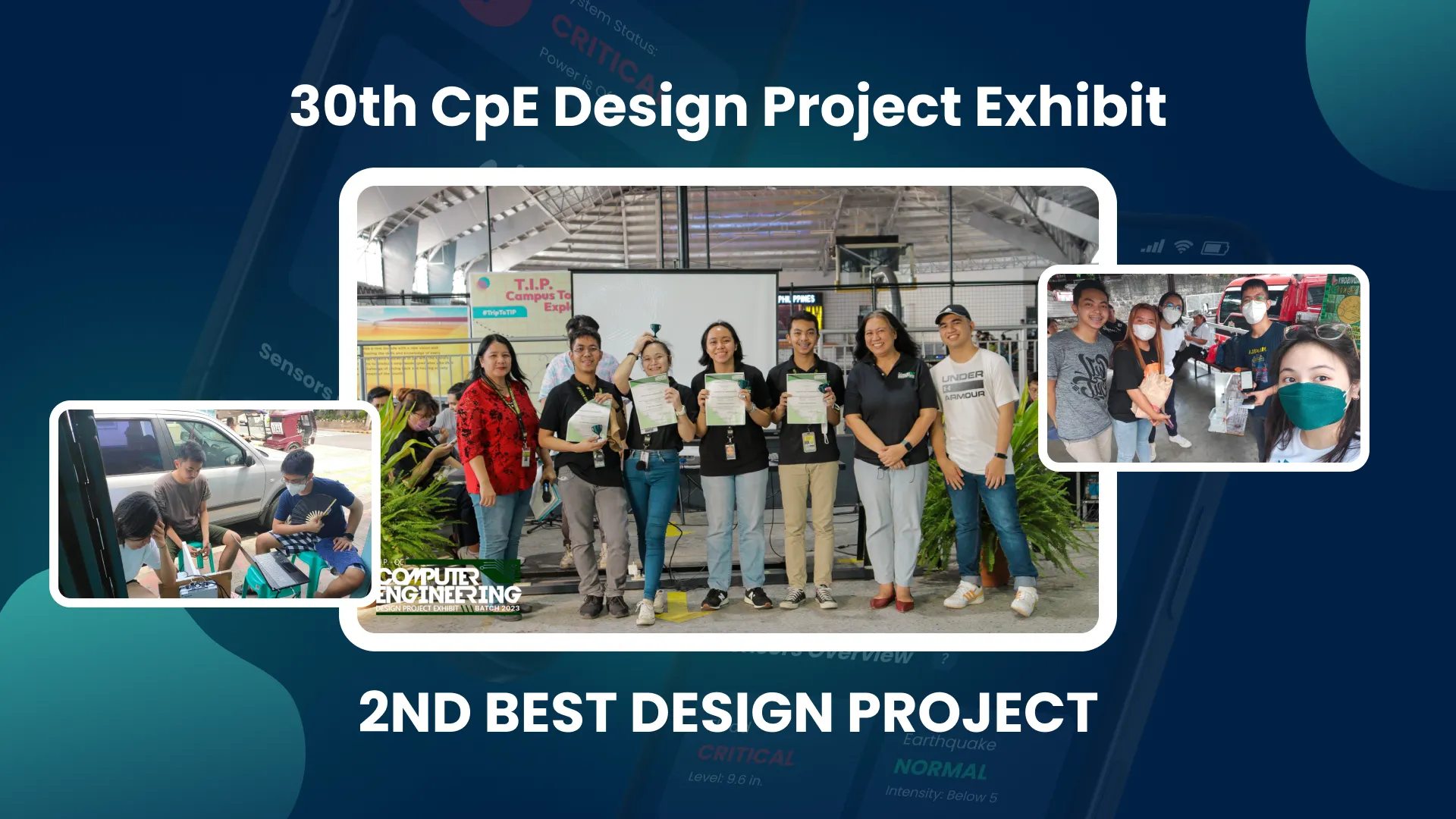
Leading this project as both the team leader and lead designer taught me how to balance heavy technical parts with a simple "one-tap" design. It showed me that good design is really about building trust, especially when people are feeling overwhelmed during a crisis. I'm proud that our team's hard work earned us 2nd Best Design Project in our Computer Engineering batch.
This project was completed during my final year as a Computer Engineering student. I served as both the Team Leader and Lead UI/UX Designer, where I was responsible for managing the team and handling the entire design process from start to finish.

Explore More Works

Let’s make something amazing together!

Joel Francis Aseo

Creative Digital Specialist
UI/UX Designer & Shopify/WordPress Developer
Copyright 2026
Joel Francis Aseo. All rights reserved.